
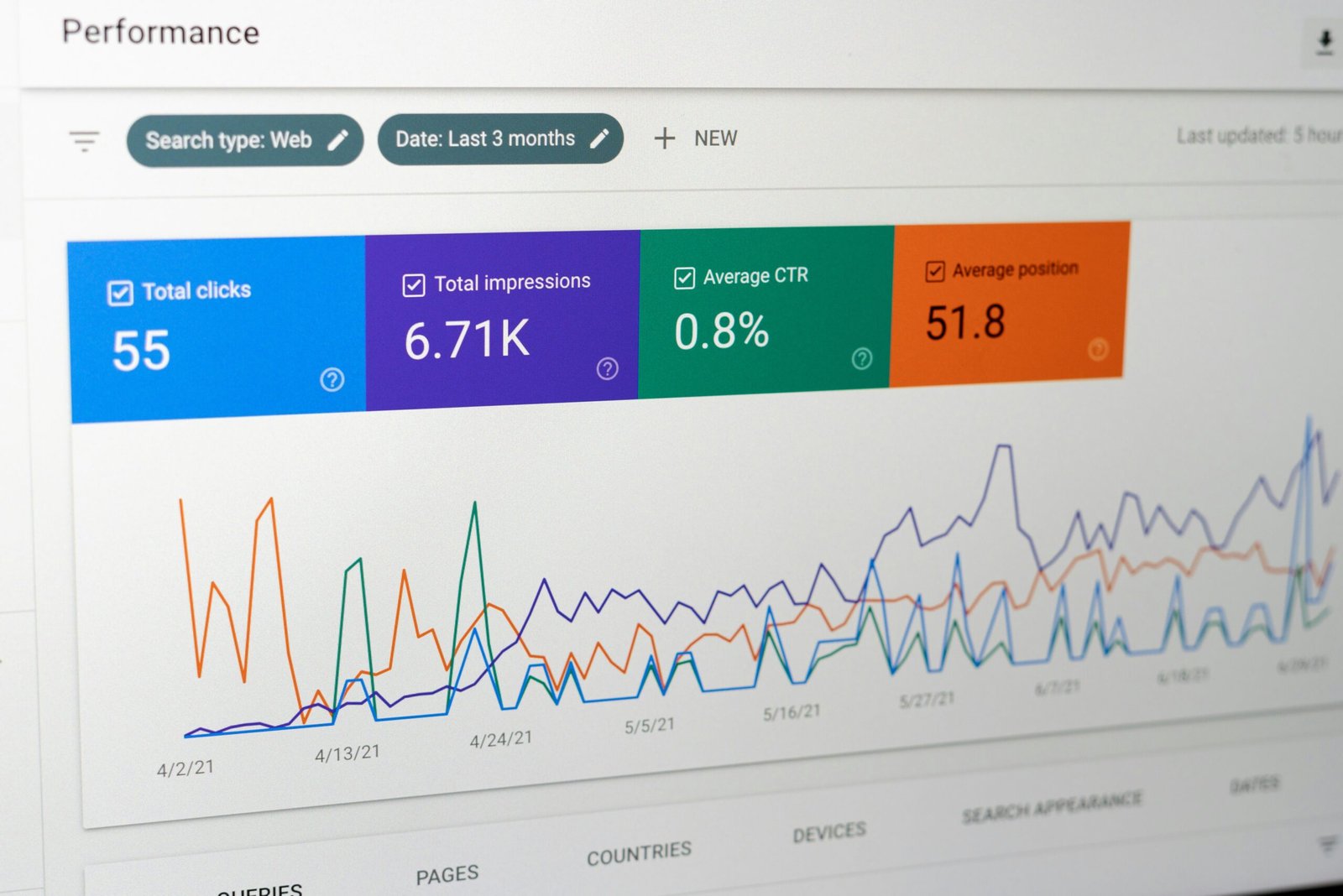
Transform your slow website into a speed demon with these proven optimization techniques
Step 1: Optimize Your Images 📸
Images often account for 60-70% of your page weight. Here’s what to do:
- Compress images using tools like TinyPNG or ImageOptim
- Use WebP format for modern browsers
- Implement lazy loading for images below the fold
Step 2: Enable Browser Caching 🗄️
Set up caching headers to store static files in visitors’ browsers. Add this to your .htaccess file:
ExpiresByType text/css “access plus 1 year”
ExpiresByType image/png “access plus 1 year”

Step 3: Minify CSS and JavaScript ⚡
Remove unnecessary characters from your code files. Use tools like UglifyJS for JavaScript and CSSNano for CSS, or plugins like Autoptimize for WordPress.
Step 4: Use a Content Delivery Network (CDN) 🌐
Distribute your content across multiple servers worldwide. Popular options include Cloudflare (free), MaxCDN, or Amazon CloudFront. This reduces the physical distance between your server and visitors.
Step 5: Optimize Your Database 🗃️
Clean up your database regularly by removing spam comments, post revisions, and unused plugins. For WordPress, use plugins like WP-Optimize or WP Rocket’s database optimization feature.
🎯 Your Action Item for Today
Test your current website speed using Google PageSpeed Insights. Take a screenshot of your score, then implement Step 1 (image optimization) and test again. You should see an immediate improvement!
💡 Pro Tip: Aim for a PageSpeed score of 90+ on mobile and desktop for optimal performance.
What You Can Expect 📈
| ⚡ 40-60% faster page load times 📱 Better mobile user experience 🔍 Improved Google search rankings 💰 Higher conversion rates and sales 😊 Happier visitors who stay longer |